Reservations during service
Open slots and configure capacity or party size to match your operation.
Booking software for restaurants and pizzerias
Offer reservations during your service hours. With takeout ordering enabled, customers choose products and a pickup time through a dedicated order flow.
30-day free trial · Then CHF 14.00 excl. tax / month
Base subscription. Optional extras and applicable payment processing fees are additional.
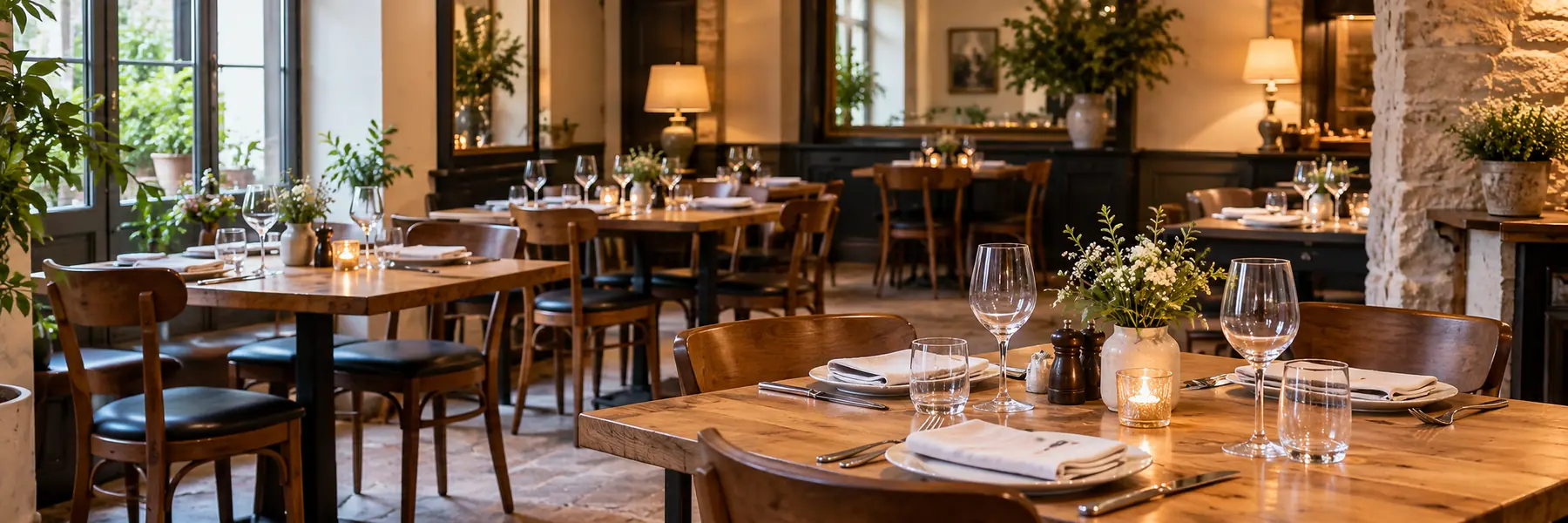
Activity illustration
MonRDVPro Pro
For reservations, define services, hours and capacity or party-size rules. For takeout, prepare the catalog, product availability and pickup slots. Enable the flows that fit your business, with the relevant payment methods and options.
All features →Open slots and configure capacity or party size to match your operation.
With this function enabled, present your catalog and pickup time slots.
Configure available methods, including Stripe online payments subject to activation and terms.
Set hours, capacity and product availability before opening the flows to customers.
Enable reservations, takeout orders or both according to your activity.
Define hours, capacity rules and a catalog where needed.
Direct customers to the reservation or ordering flow you offer.
An organization example
One customer reserves for two during an open service slot. Another prepares a pizza cart and selects an 8 pm pickup. These are two illustrative flows, each depending on the functions and rules enabled for your establishment.
Workflow illustration · fictional data
Explore MonRDVPro for beauty and wellness, restaurants and auto repair shops.

Massage practice, beauty salon or hair salon: present services and durations, open your availability and share your booking link with clients.
Explore this use case →
Organize workshop services and the time slots clients can book. Find appointments and available client information in your professional account.
Explore this use case →Online payments and deposits are available through Stripe depending on your setup. Tap to Pay also supports contactless payments on a compatible iPhone or Android phone, subject to service availability and activation.
MonRDVPro Pro
Create your Pro account and try it for 30 days. The displayed price applies to the selected country. Subscription details and any extras are shown before you subscribe.
30-day free trial
Then CHF 14.00
excl. tax / month
Start my 30-day free trial →Base subscription. Optional extras and applicable payment processing fees are additional.
When takeout ordering is enabled, customers select a pickup time from available slots after preparing their cart.
Configure the functions for your establishment. Offer the flows relevant to your business and check their settings before opening them.
A new Web account has a 30-calendar-day trial. To continue with a subscription, check the selected country’s price and the summary shown before subscribing.
The displayed amount is the base subscription excluding tax. Optional extras, additional capacity and applicable payment fees depend on your setup.